
Description




Price: $188.88
Details)
Enjoy everyday activities with this ASUS notebook PC. The Intel Celeron processor and 4GB of RAM let you run programs smoothly.
Processor: Intel Celeron N4500, 1.1 GHz, Up to 2.8 GHz
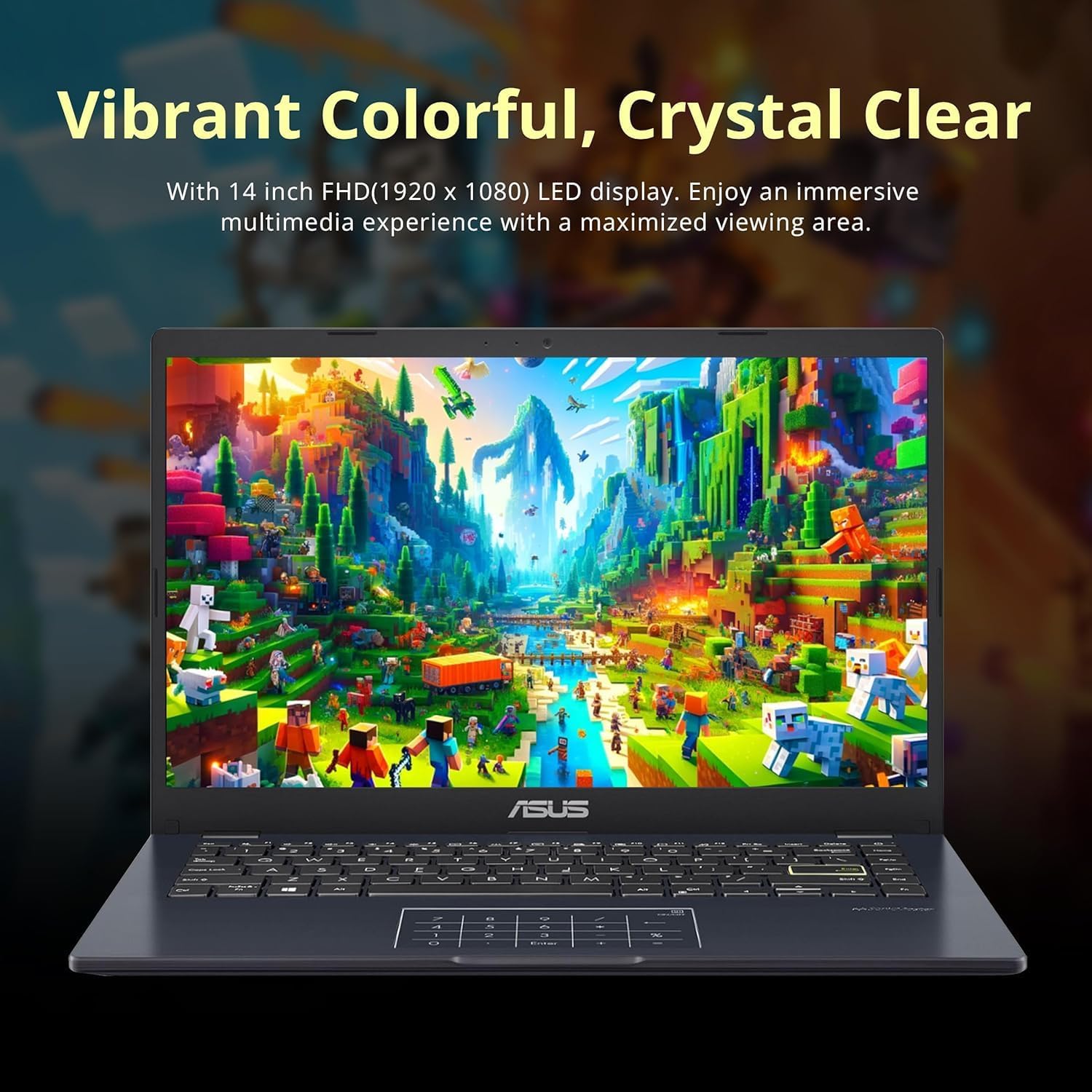
Screen: 14 inch FHD(1920 x 1080) LED Display
RAM: 4GB DDR4 (On Board)
Storage: 64GB eMMC
Operating System: Windows 11 Home in S Mode
Graphics: Intel Iris Xe Graphics
Wireless Connectivity: Bluetooth, Wi-Fi
Camera: Yes,720p
Battery Life (up to): 10 hours
Weight: 2.87 pounds
Dimension: 12.8x 8.54x 0.71 inches
Ports: 1 x HDMI 1.4, 1 x USB-A 2.0, 1 x USB-A 3.2, 1 x USB-C 3.2, 1x Media Card Reader, 1x Headphone Jack, 1x Microphone Input
【14″ FHD Display】The 1920 x 1080 resolution boasts impressive color and clarity. Energy-efficient LED backlight.
【Processor】Intel Celeron N4500 Processor (2 Cores, 2 Threads, 1.1 GHz Base Frequency, Up to 2.8 GHz Max Turbo Frequency).
【High Speed RAM and Enormous Space】4GB high-bandwidth RAM to smoothly run multiple applications and browser tabs all at once; 64GB eMMC storage allows to fast bootup and data transfer.
【1 Year Office 365】Take your productivity and work mobility to the next level with the Microsoft 365 Office Suite (1 year subscription included)
【Tech Specs】1x DC-in, 1 x USB-A 2.0, 1 x USB-A 3.2, 1 x USB-C 3.2, 1x HDMI 1.4, 1x 3.5mm Combo Audio Jack, Touch Numberpad, Webcam, Wi-Fi.
【Windows 11 S included】You may switch to regular windows 11: Press “Start button” bottom left of the screen; Select “Settings” icon above “power” icon; Select Update & Security and Activation, then Go to Store; Select “Get” option under “Switch out of S mode”; Hit Install. (If you also see an “Upgrade your edition of Windows” section, be careful not to click the “Go to the Store” link that appears there.)
Reviewer: DonnaL
Rating: 5.0 out of 5 stars
Title: Great Value, surprisingly good quality for the price.
Review: I have a business grade laptop I use for my business needs. Recently I started taking creative writing classes for fun but I am very nervous about taking it to class because there is so much personal information on it. This ASUS laptop was the perfect solution. It has all the power I need for class, writing and so on, and, although it would still suck if it got swiped, at least I can rest at ease it doesn’t have any personal stuff on it. I was pleasantly surprised at how good the quality is. It could easily be the main laptop or if you need a backup laptop for whatever reason. Either way, this one is a great choice.
Reviewer: Scott
Rating: 4.0 out of 5 stars
Title: GREAT PRICE FOR PC
Review: Good computer for Simple tasks. If you just need a PC for simple things like email and web browsing and M/O 365. It’s good. Performs slowly when multiple programs are running.
Reviewer: Anya
Rating: 5.0 out of 5 stars
Title: Great value
Review: Fast. Very good value. Light. Easy setup. Perfect thank you
Reviewer: Paula
Rating: 5.0 out of 5 stars
Title: Asus is a perfect gift
Review: I’ve bought many of these computers for relatives and they last and worth every penny.This was for a7 year old nephew. I want him to learn the internet and all he can do. They love it. This computer should last him into high school. Asus is a perfectcomputer. ght many of their laptops as gifts and even after 5 years they work good. I bought this for a7 year old nephew so Perfect computer
Reviewer: Alani Lanzeth
Rating: 4.0 out of 5 stars
Title: Lagging
Review: It is an ok computer. I does lag a lot.
Reviewer: Amazon Customer
Rating: 5.0 out of 5 stars
Title: Perfect lap top for travel
Review: Really nice and light laptop and a good price
Reviewer: Mr. F. U.
Rating: 5.0 out of 5 stars
Title: Great laptop
Review: Great laptop.
Reviewer: Jonathan
Rating: 4.0 out of 5 stars
Title: Budget friendly
Review: For the money it’s a good laptop sluggish but gets the job done, good battery life


