
Description




Price: $399.89 – $90.99
Details)
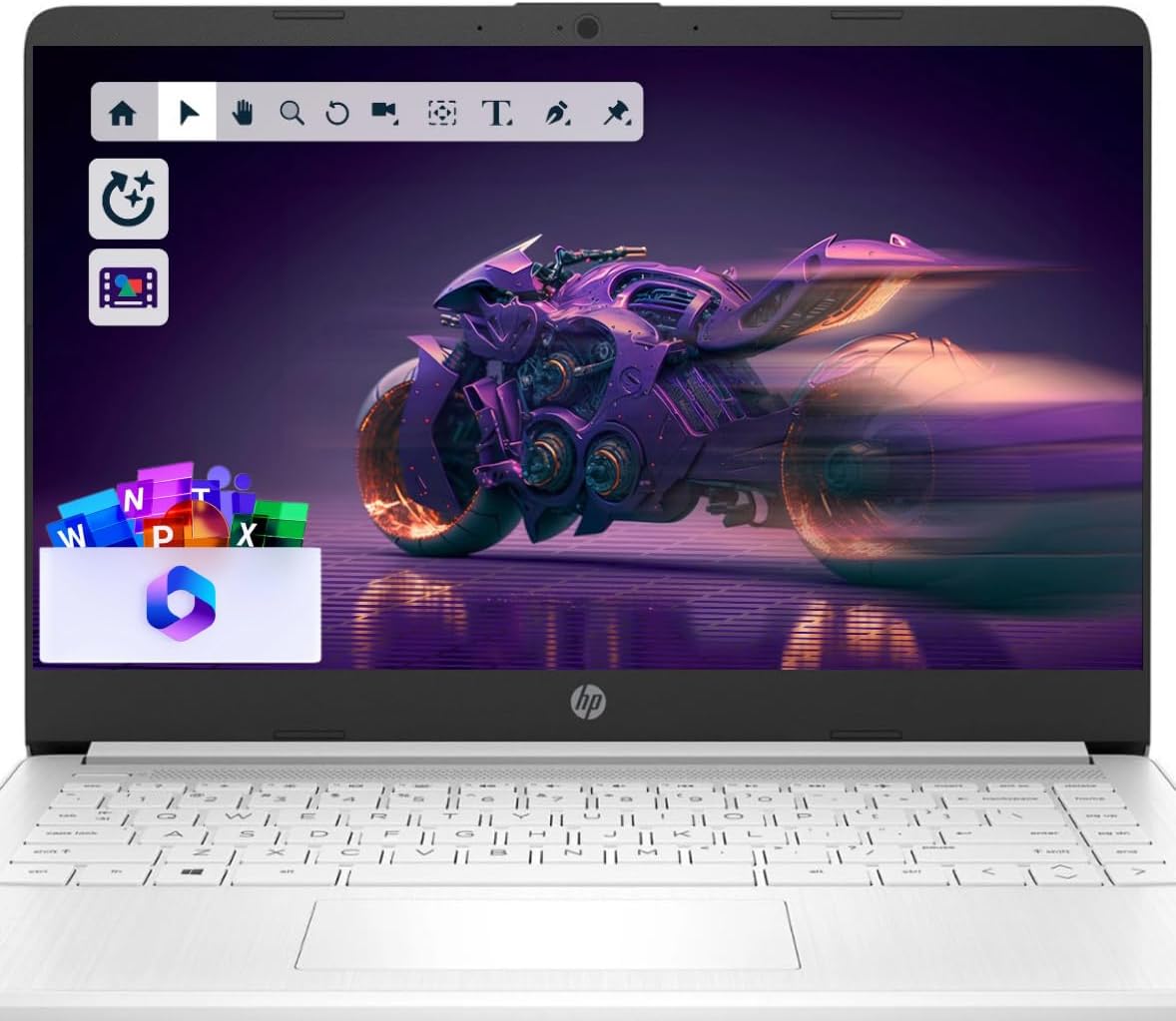
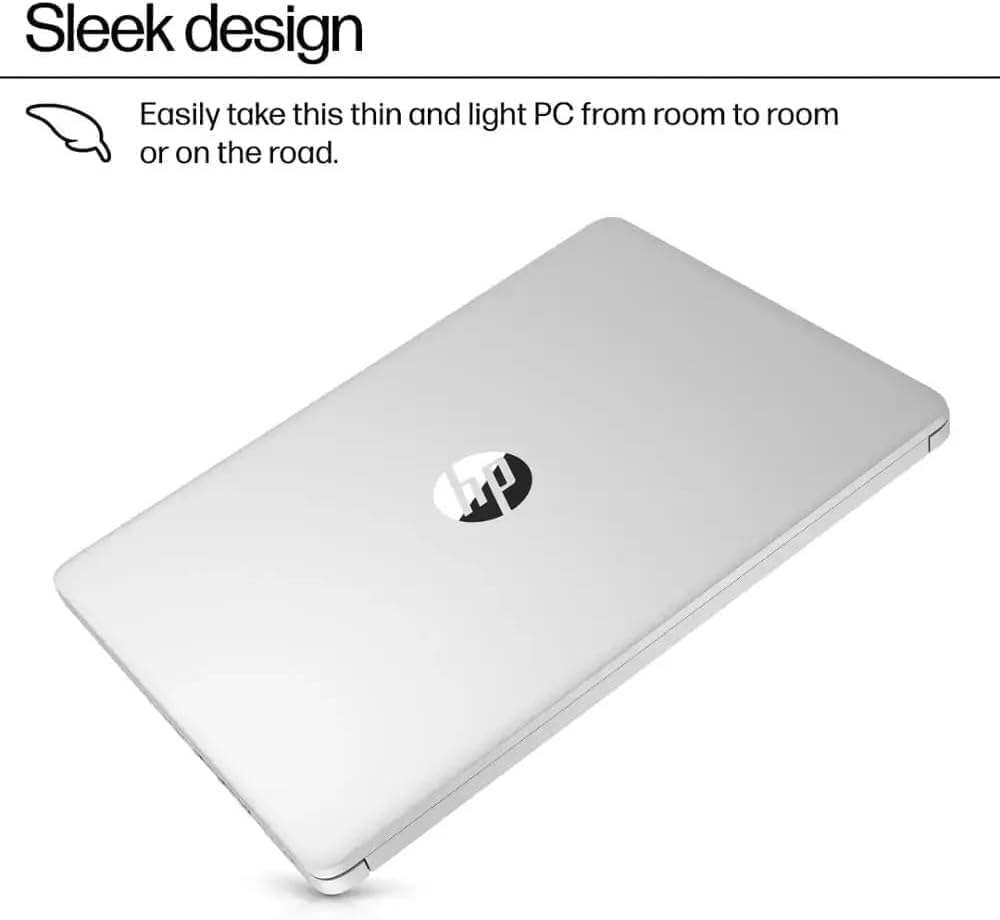
Switching out of S mode in Windows 11 Windows 11 in S mode is designed for security and performance, exclusively running apps from the Microsoft Store. If you want to install an app that isn’t available in the Microsoft Store, you’ll need to switch out of S mode 1. On your PC running Windows 11 in S mode, open Settings > System > Activation. 2. In the Switch to Windows 11 Pro section, select Go to the Store. (If you also see an “Upgrade your edition of Windows” section, be careful not to click the “Go to the Store” link that appears there.) 3. On the Switch out of S mode (or similar) page that appears in the Microsoft Store, select the Get button. After you see a confirmation message on the page, you’ll be able to install apps from outside of the Microsoft Store. HP 14 inch Laptop for Business and Student: Sleek design: Easily take this thin and light PC from room to room or on the road Dual array microphones: With two microphones and advanced noise reduction software, you’ll always sound crystal clear when you video chat or record Display: 14.0-inch diagonal, HD (1366 x 768), micro-edge, BrightView Processor: Intel Celeron N4120, 4 Cores & 4 Threads Graphics: Intel UHD Graphics 600 Operating System: Windows 11 Home in S mode HP Fast Charge: Go from 0 to 50% charge in approximately 45 minutes Battery Life: Up to 11 hours and 30 minutes (video playback); Up to 9 hours (wireless streaming) Webcam: HP True Vision 720p HD camera with integrated dual array digital microphones Connectivity: 802.11a/b/g/n/ac (2×2)(19a) Wi-Fi and Bluetooth combo Dimensions: 12.76 x 8.86 x 0.71 inches Weight: 3.24 lbs
【Make the most out of your 365】Bring your ideas to life.Your creativity now gets a boost with Microsoft 365. Office – Word, Excel, and Power Point – now includes smart assistance features that help make your writing more readable, your data clearer and your presentations more visually powerful. 1 -Year subscription included.
【14″ HD Display】14.0-inch diagonal, HD (1366 x 768), micro-edge, BrightView. With virtually no bezel encircling the display, an ultra-wide viewing experience provides for seamless multi-monitor set-ups
【Processor & Graphics】Intel Celeron N4120, 4 Cores & 4 Threads, 1.10 GHz Base Frequency, Up to 2.60 GHz Burst Frequency, 4 MB Cahce, Intel UHD Graphics 600, Handle multitasking reliably with the perfect combination of performance, power consumption, and value
【Ports】1 x USB 3.1 Type-C ports, 2 x USB 3.1 Type-A ports, 1 x HDMI, 1 x Headphone/Microphone Combo Jack, and there’s a microSD slot
【Windows 11 Home in S mode】You may switch to regular windows 11: Press “Start button” bottom left of the screen; Select “Settings” icon above “power” icon;Select “Activation”, then Go to Store; Select Get option under “Switch out of S mode”; Hit Install. (If you also see an “Upgrade your edition of Windows” section, be careful not to click the “Go to the Store” link that appears there.)
Reviewer: bookworld5
Rating: 5.0 out of 5 stars
Title: Great product
Review: This computer is perfect for storing some regular daly work, it is good for the price, very durable and easy to handle, not too heavy, also look very stylish! As for now I like it!
Reviewer: Brian
Rating: 5.0 out of 5 stars
Title: Great product can’t beat the price
Review: Great product.It’s just what I needed and this is capable.Of obtaining a tremendous amount of data during scientific study
Reviewer: Avis A.
Rating: 5.0 out of 5 stars
Title: Laptop
Review: Love the laptop it’s very easy to use
Reviewer: Elizabeth M. Quade
Rating: 1.0 out of 5 stars
Title: Sad I bought this one.
Review: So far it’s been a nightmare to set up.I use chrome and it was refusing to download chrome.I also have a lot of photos, and was downloading them to this one and with only a few files transfers it told me it was full, yet claims to have 16 gb ram.Regretting getting this.It also seems slow and boggy while being online.
Reviewer: Kindle Customer
Rating: 4.0 out of 5 stars
Title: Inexpensive but very functional
Review: Nice laptop for light duty tasks. It does have an available SSD slot which is relatively simple to access. Simple upgrade to quickly expand storage. Runs Ubuntu and Mint well.
Reviewer: Raquel
Rating: 5.0 out of 5 stars
Title: Multifunctional
Review: Absolutely love this laptop. Very well priced. Multifunctional and easy to use. Good sound quality and processor speed. I use it daily for anything from social media, to streaming movies and shows, as well as office work. Only “issues” Ive had are that is takes quite a few seconds for it to start up, and one ONE tiny tiny pixel is out on the screen when I got it. But that being said, its perfect for my needs.
Reviewer: Kadia
Rating: 5.0 out of 5 stars
Title: very good and worth the cash
Review: just the wrong colour came, i order silver but white came
Reviewer: Demar
Rating: 5.0 out of 5 stars
Title: Good for the money.
Review: Can’t go wrong with a windows computer. Seamless interface ease of setup. Lightweight and great battery life.


