
Description



Product description


POWERFUL PERFORMANCE: Intel Celeron N4020C processor paired with 8GB RAM and fast 256GB SSD storage for smooth multitasking and quick system response
DISPLAY QUALITY: 14.1-inch Full HD screen with 1920×1080 resolution delivers crisp, clear visuals for work and entertainment
OPERATING SYSTEM: Pre-installed Windows 11 Pro offering advanced security features and professional tools for enhanced productivity
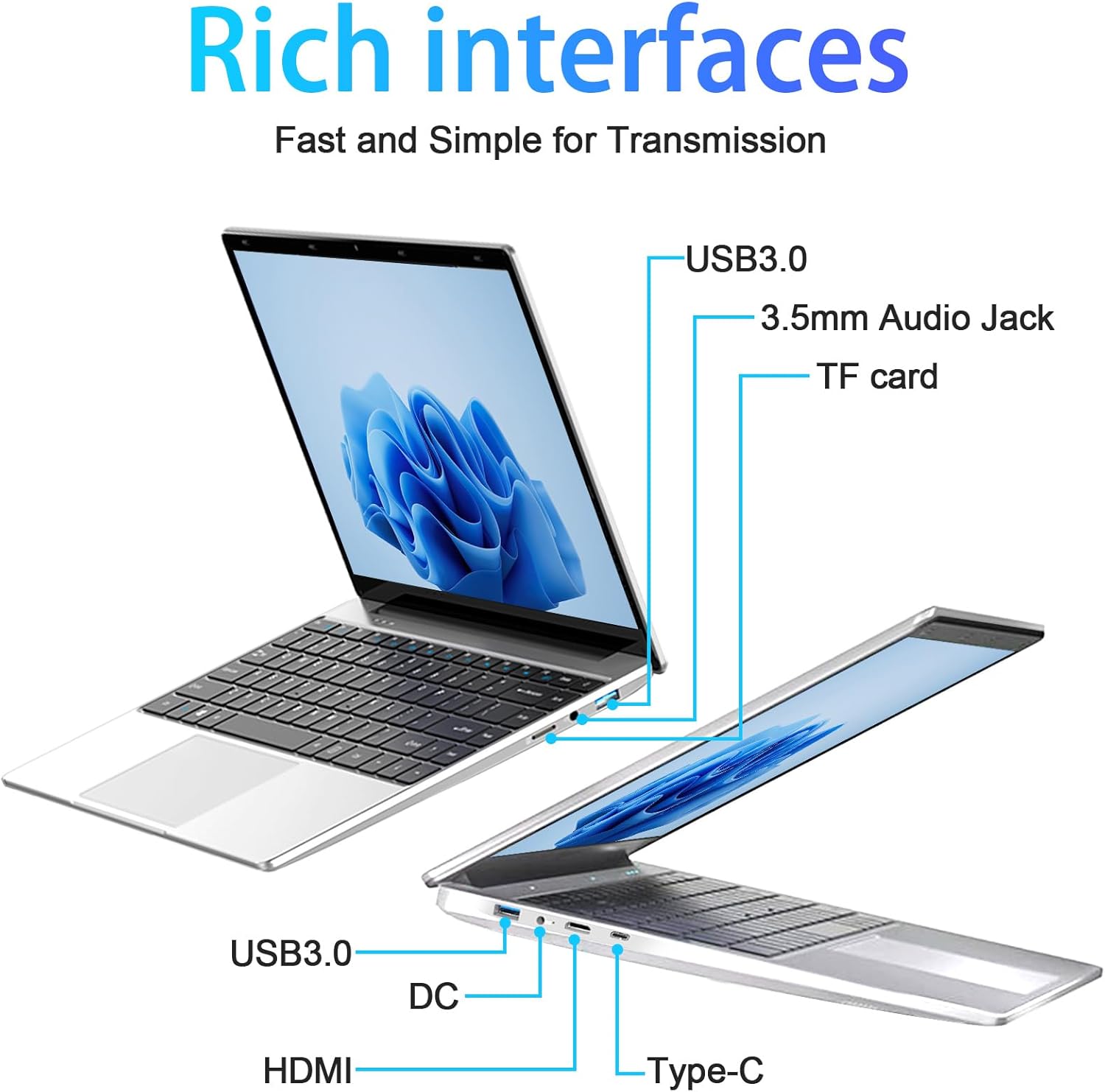
CONNECTIVITY: Built-in webcam for video calls and online meetings, with multiple ports for versatile connectivity options
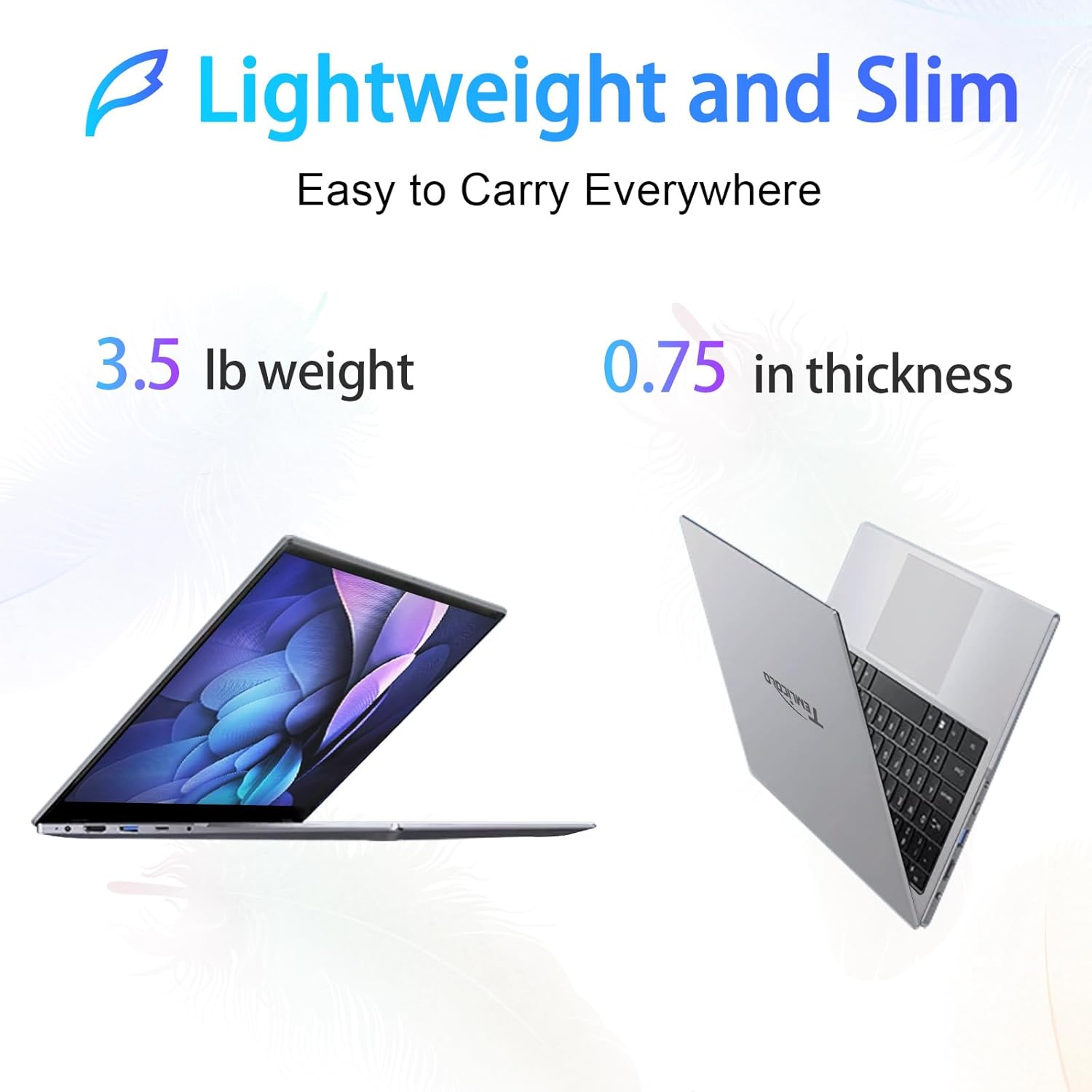
PORTABLE DESIGN: Sleek silver chassis with a compact 14.1-inch form factor, perfect for on-the-go computing needs
Reviewer: Baroque Tossit
Rating: 4.0 out of 5 stars
Title: Supports Linux Mint 22.2
Review: The first Zonko laptop I received was D.O.A.; Amazon shipped a replacement which arrived within 48 hours. [Edit] The Zonko Store (seller) was most helpful and quite responsive to my query about the nonfunctioning laptop. [End Edit]The only way one could know that this is a “Zonko” laptop is on the boot up splash screen; there are no labels at all except for an “Intel” sticker and a small serial no. sticker on the bottom side of the machine, nor is there any type of logo.Fit and finish is good for this price point – although the USB port on the right side of the laptop is extremely tight when plugging in a USB device or cable. The left hand port seems to be a bit better in fit. Both ports are functional.Contrary to the Amazon webpage description, there is no Ethernet port. The laptop is very thin, and quite light.The charging plug is designed so that it will fit in a surge protector without taking up two plug spaces, which is good, but is a “barrel” type connection rather than a USB C connection which is not great. I’ve written the seller to see if spare plugs may be purchased and have found what I think will be a suitable backup power plug if the seller does not respond. For me that’s a bit of a downstroke; the proprietary barrel plugs seem like older technology in 2025. But YMMV.Setup (Win11 Pro) was simple and did not require a Microsoft account. Once connected to WiFi the OS ran through the usual gamut of updates. I really can’t address how Win11 performs on this machine other than a my experience of few minutes when I used it to check the ports, camera, charging, etc., all of which were fine. I didn’t purchase this laptop with Win11 in mind; once Win11 was stable (and I verified that the license was authenticated) I connected a USB drive and restarted into BIOS (the “Esc” key gets you into BIOS on the Zonko). Once I had configured the boot sequence to boot to the USB first I restarted the machine and started Linux Mint 22.2 from the USB. I ran Mint from the USB while checking out the machine’s compatibility with that OS. There were some initial issues with the display resolution being limited to 800×600 but a quick update of Linux resolved that. Everything else (ports, camera, charging, WiFi, etc.) worked on Linux right out of the box. I then optioned to install Linux, wiping out the Win11 installation completely. I didn’t try a ‘dual boot’ system between Win11 and Linux and so can’t comment on that. The only reason I first set up Win11 at all was to check that all of the hardware worked. (I’m not a Linux ‘fanboy’ – I just wanted an inexpensive machine that I could play around with Linux).Once Linux was installed and the machine rebooted I ran OS updates, installed several Linux apps, and called it good. I added a wireless mouse (using a radio USB controller rather than Bluetooth). No issues at all.Performance with Mint is quite acceptable – even after installing Chrome browser for testing (Chrome is, IMHO, a resource hog). The available 8gb of RAM and 256gb of drive storage work very well in this Linux application. The speakers are not great – that’s not a down check, there’s simply not enough room in a laptop this thin for good speakers. The ones installed do an OK job; if you’re planning on listening to music a pair of earphones might be a better choice.Linux did, btw, automatically scan and install my network printers (one of which is a Wi-Fi all-in-one and the other is an Ethernet connected laser printer; a third printer used for making 13″x19″ photo prints was found and installed but I haven’t tested that one yet). There were no issues in either printer installation.The fact that the first Zonko laptop received would not boot at all, and that the USB port on this machine is quite tight lead me to think that quality control might not be top notch. However other than those two caveats I’ve not found any reason to be concerned with the machine or its performance.One note – I spent a couple of hours watching videos on the laptop without giving it a break and a section of the bottom (one assumes it’s from the processor) became quite warm. Nothing to be overly alarmed about, I think, but I was using a lap desk – having the machine on your lap without something intervening might get things a bit toasty.[Edit]Battery life (preliminary evaluation) is good, I had 4 hours on battery when I plugged the unit back in and it was nowhere near depleted. Of course battery life depends greatly on the tasks you’re doing, but I’m satisfied so far. YMMV. [End Edit]I’m pretty much a touch typist and the keyboard is adequate. The hinge connecting the screen to the body seems O.K. The touchpad works well with Linux or Win11 and the radio mouse was recognized by both operating systems without issue.For me it’s an experiment with Linux Mint – thus I didn’t want to spend a lot of money on the unit – but I don’t think I would have too many reservations running Win11 and Office or Win11 and Google Docs on the Zonko if I were a student. Win11, of course, does tend to hit the available resources of any computer harder than Linux (IMHO and depending on the task) and this is far from a fast processor – but for typing out a paper or researching a project on the Internet I think it’s OK. (Note that I got the machine yesterday so really can’t comment on longevity – always remember to have a backup of your important files somewhere other than on the internal drive of any computer).So – keeping in mind the limitations of the processor, 8gb of RAM and 256gb of storage – would I recommend this laptop? Yeah, I would (also keeping in mind the price point). You’re not going to be doing a whole lot of Adobe Photoshop or Illustrator on this thing but it does a decent job of showing YouTube videos and [Edit] works for writing papers and spreadsheets and such. [End Edit] Just don’t expect miracles. Also wiping out Win11 and installing Linux might have a bad effect on the warranty of the machine so tread carefully before following in my footsteps 😉
Reviewer: Melissa Kurylo
Rating: 4.0 out of 5 stars
Title: Good budget laptop for the price
Review: Great budget laptop. Perfect price. I just wish my husband hadn’t broken the screen less than a month after i bought it but I would buy it again if I had the money


